VILAR — smart internet
The app finds a working route on its own and keeps you connected — on mobile data and on Wi‑Fi. One button, nothing to set up.


iPhone in Russia? You can install VILAR. How to install
On iPhone and Android · 24 hours free · no card
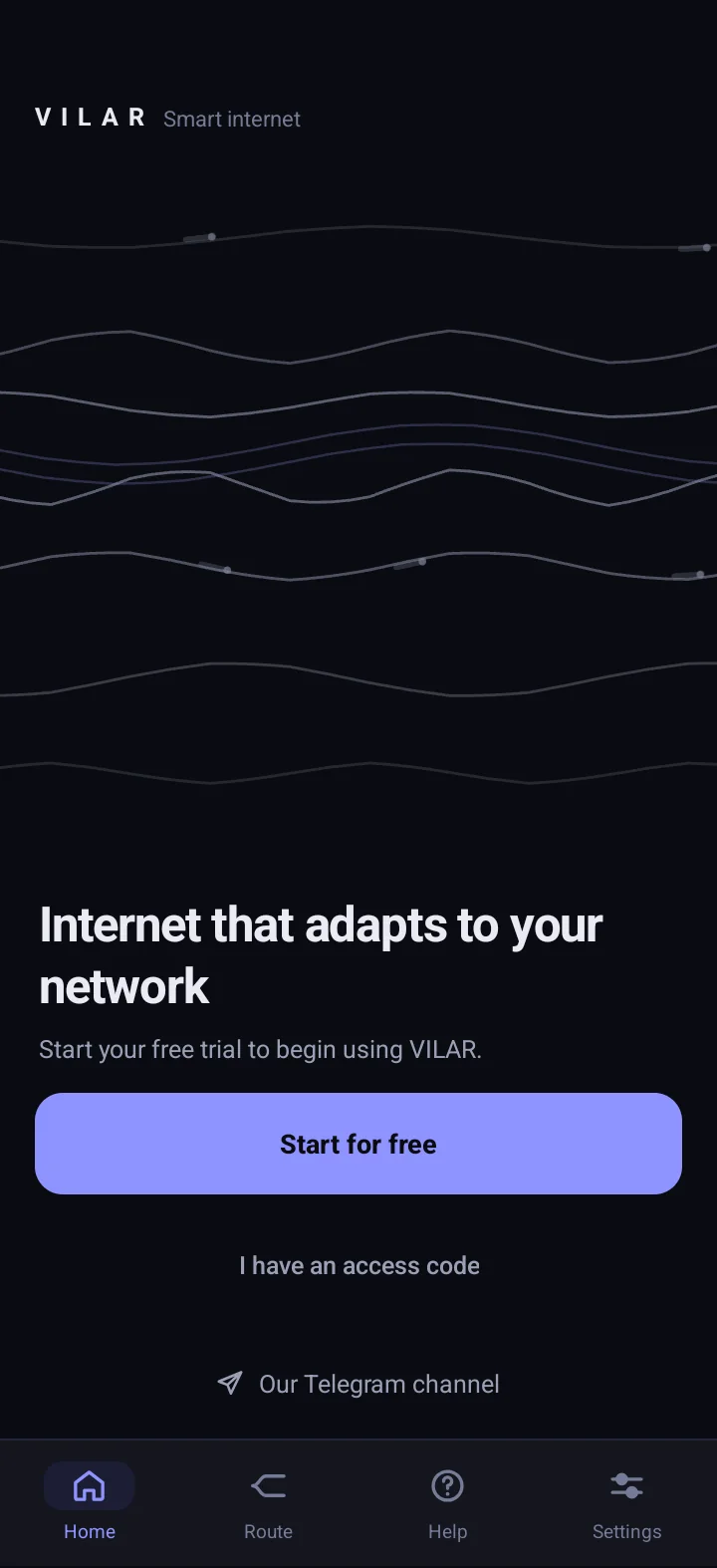
VILAR in short
-
One button
Install, press, done. VILAR picks the server and the protocol itself — nothing to configure.
-
Finds its own route
Several independent routes stand behind the button. One weakens — VILAR quietly switches to one that works.
-
Mobile data and Wi‑Fi
The network changes — VILAR rebuilds by itself. Nothing to restart.
-
No account
No sign-up: VILAR recognises your device by a random key, not by your name, email or phone number.
Route
Not everything has to go through a VPN
Some apps and sites work better without a VPN, so they’re exceptions: they go over your own network, just as without a VPN, and VILAR carries everything else. One connection — nothing to switch.
-
The list updates itself
The exceptions list reaches the app automatically — no reinstall, nothing for you to do.
-
Works by itself
Exceptions work on their own while VILAR is on — there’s nothing to set up.
Download VILAR
The same VILAR on iPhone and Android: one button, status in plain words, and the access term always on the home screen.
-
iPhone
On the App Store. Pay in the app or on the website.
iPhone in Russia? You can install VILAR. How to install
-
Android
On Google Play. Pay right in the app.
Start with 24 hours free
Try VILAR with no card. Then pay once for the term you choose — no auto-renewal. Every term is the full product. On iPhone, pay here on the website. On Android, pay in the app. More
-
1 month
159 ₽
159 ₽/mo
Go to payment -
3 months
429 ₽
143 ₽/mo
Save 48 ₽ (10%)
Go to payment -
6 months
Best value749 ₽
≈ 124.83 ₽/mo
Save 205 ₽ (21%)
Go to payment
Buying for an iPhone on the website?
- Pay for a term on the website via SBP.
- Link the paid access to your Apple ID — with “Continue with Apple” on the page after payment.
- In VILAR on the iPhone: “Settings” → “Account and devices” → “Sign in with Apple” with the same Apple ID. The access appears by itself.
In the iPhone app you can also buy access through the App Store.
Buy for iPhoneA company stands behind VILAR
VILAR is built and operated by NOVERA LABS LLC, a company registered in the Republic of Armenia with published details. The app carries no ads, analytics or trackers.
- No traffic logs
- No ads or analytics
- No auto-renewal
Common questions
All questions and answersWhat is VILAR?
VILAR is an app that provides resilient internet access through a protected connection. The key difference: behind its one button stand several independent routes, and the app itself picks the one that works.
Which devices are supported?
iPhone — on the App Store, Android — on Google Play. The same VILAR on both: one button and the access term on the main screen. News about new versions — in the Telegram channel.
How does the free trial work?
After installation you get a full 24 hours of VILAR — free, with no card and no account. The trial ends exactly one day later and there are no auto-charges: if VILAR suits you, you pay for the term you want yourself.
How do I buy VILAR, and how does access switch on?
In the app: on iPhone through the App Store, on Android via SBP. On the website: tap “Buy VILAR”, choose the device and the term, and pay via SBP. For an iPhone, after paying link the access to your Apple ID (“Continue with Apple”), then in VILAR on the iPhone go to “Settings” → “Account and devices” → “Sign in with Apple” with the same Apple ID. This is not an App Store purchase: you pay on the website, and the Apple ID only confirms the access is yours. For Android you receive a code: in the app tap “Have a promo code?”, paste the code and tap “Activate”.
Try VILAR today
Install the app — the first 24 hours are free. News and network status are in the official Telegram channel.